Compatible with Chrome and Edge
Instruction Guide
We have a simple tutorial guide which explains the features of the software extension and what each button inside the extension does. Read our tutorial and welcome guide on how to use the extension to the fullest. Use all the features of this browser software.
If you are interested in other web extensions to install, you might wish to check out the Microsoft Bing Search with Rewards extension.
Microsoft Bing Search with Rewards Extension
It allows you to complete daily offers to get points.
Track the number of points you have currently and the rewards you can redeem with these points.
The ways to get points & get rewarded is search with Bing, browse with Microsoft Edge and shop at the Microsoft and Windows stores to earn rewards.
Sponsored Link:
Other useful extensions
Another extension which would be useful to install is the iCloud bookmarks extension.
It allows to keep your Chrome bookmarks on Windows synced up with the Safari bookmarks on your iPhone, iPad, and Mac.
iCloud will store your website bookmarks so it is accessible even on your iPhone and Mac.
Try these other two extensions and see if it will boost your daily productivity.
1 Click and you get brought to Google Forms.
Features:
Install and open.
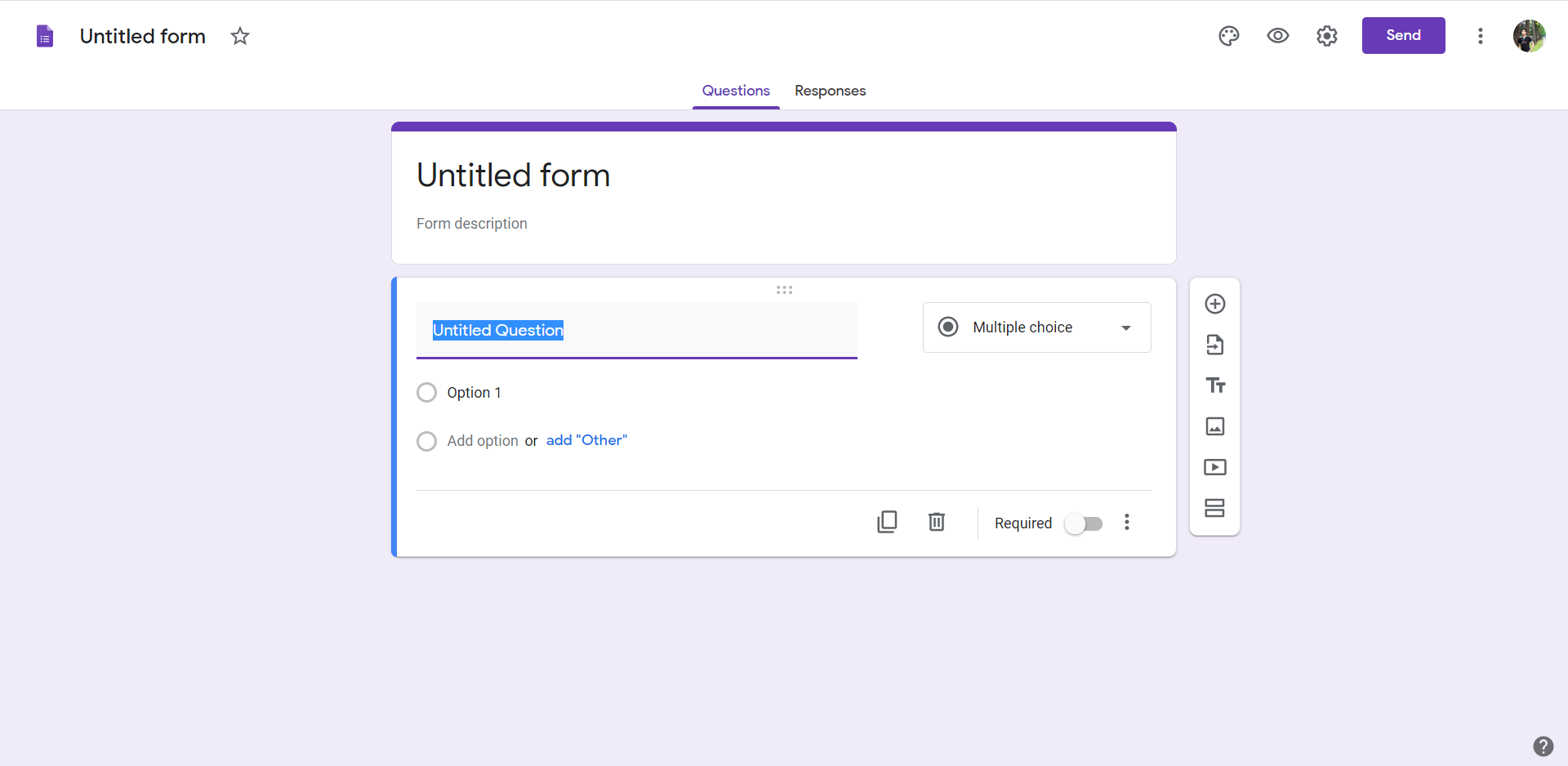
- After installing the extension. You click on the icon and get brought right away to Google Forms. Save yourself the hassle of having to type in the URL if you need to create a lot of forms daily.
Google Forms is a spreadsheet-like tool for creating surveys and questionnaires. It's most commonly used for taking feedback from students, employees or customers.
You can create new forms, add questions (text, multiple choice, checkboxes, etc.), insert images and videos and then publish your form to the web.
You then use Google Forms as a way to gather responses from people who fill out your survey or questionnaire. It works by sending out invitations via email to people you want to take the survey; they then respond directly through the form on the web. You can choose whether you want responses to be anonymous or not, and if they're not anonymous then you can also see who submitted what response when you view the responses in your Google Drive account.
Benefits of Google Forms:
It's easy to use. You can create a form in minutes, without any coding or design skills.
You can track responses in real time. You'll get email notifications when responses come in, and you can see them in your browser as they happen.
You can export your results into different formats such as Excel spreadsheets or PDFs. This can be useful if you need to share results with colleagues or clients, or download them for analysis in another program like Microsoft Excel
It's secure and private. Your data is always stored on Google servers and never shared with anyone else unless they have access to your account.
What are the benefits of using Google Forms over other tools?
There are many benefits to using Google Forms over other tools like Survey Monkey or Socrative. These include:
It's free! You don't have to pay for access or any premium features like Socrative does. All you need is an internet connection and a web browser.
It's easy! Even if you're not tech savvy, it's easy to create a form on Google Forms with just a few clicks and drag-and-drops. And if something goes wrong, no worries — there are many tutorials available online that will walk you through everything step by step!
Tutorial:
- Install the Extension
-
After installing the extension, click on the icon
 on the toolbar.
Sponsored Link: